
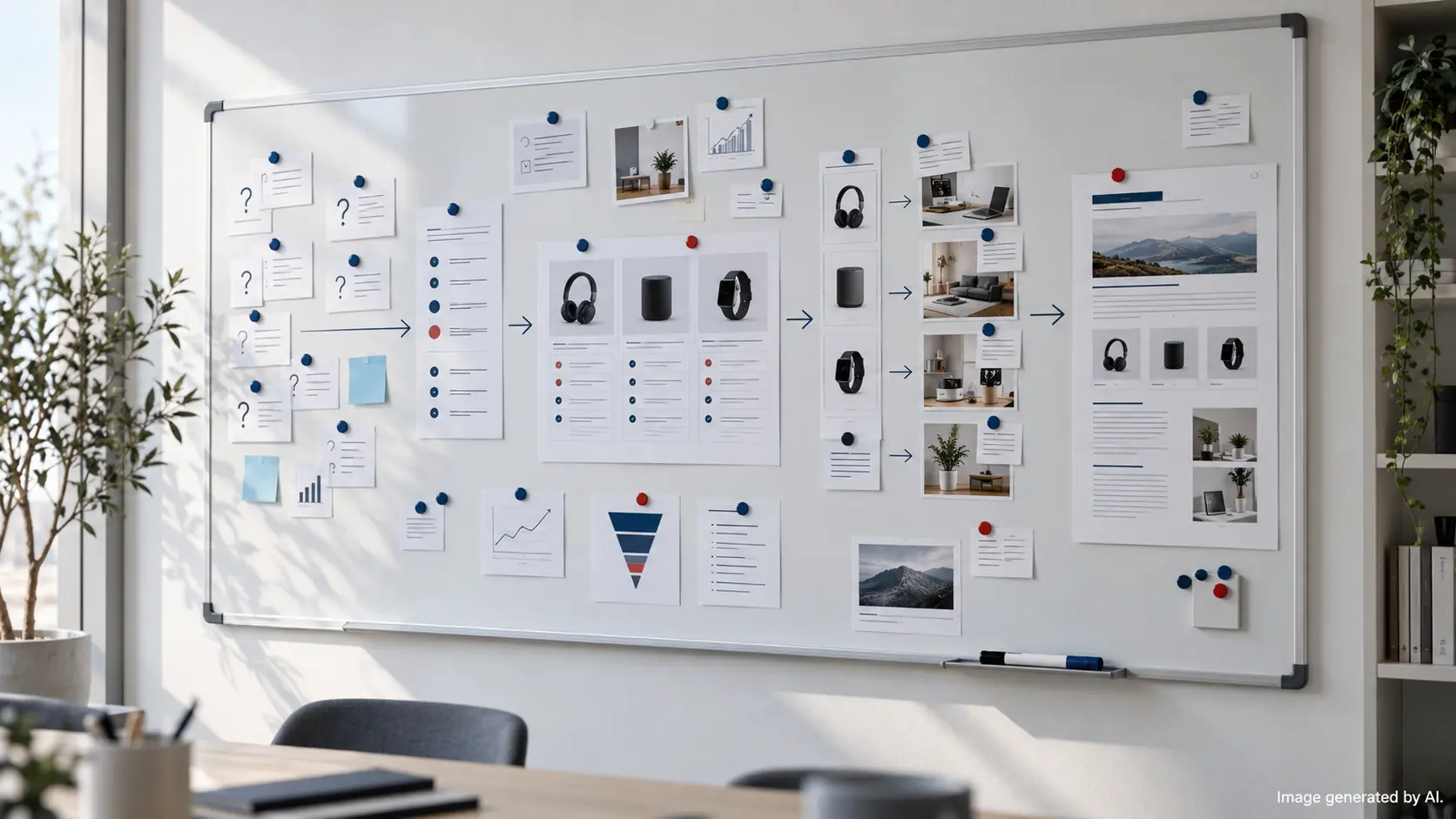
If you run or manage an online store, you already know the problem: paid traffic gets more expensive, and product pages rarely rank for “research” queries on their own.
A strong buying guide fixes that. It captures people who are still deciding, answers the questions that block purchase, and then hands the shopper to the right category or product page with momentum.
This is a practical, step-by-step approach to e-commerce buying guide creation that works for both modern SEO and AI-assisted discovery (where customers ask ChatGPT-style questions before they search or buy).
Why buying guides convert (and where they fit in the funnel)
Buying guides sit in the middle of your funnel: shoppers know the category, but they have doubts. They are searching for:
- “Best for” queries: “best running shoes for overpronation”, “best office chair for back pain”.
- Comparison queries: “OLED vs QLED”, “linen vs cotton bedding”.
- Use-case queries: “what size dehumidifier for a flat”, “which coffee grinder for espresso”.
- Constraint queries: “best suitcase under 10kg”, “best budget baby monitor”.
These searches are commercially valuable because the shopper is actively narrowing down options. Your job is to guide that decision and make the next click obvious: a relevant category, collection, or product.
Personal insight: If your guide does not send meaningful internal clicks to revenue-driving pages, it becomes a “nice read” rather than a sales asset. When you plan the guide, decide upfront which category and 3-8 products it should support, then write the guide to naturally justify those recommendations.
Modern SEO and AI discovery: what changed?
Search has become more mixed. People still Google, but they also ask AI tools for a shortlist, or for “best for my situation” advice. That means buying guides have to do two things well:
- Rank in Google for research queries.
- Be easy to cite and summarise for AI answers (clear definitions, scannable criteria, explicit recommendations).
In practice, “AI-friendly product guides” are not about sounding robotic. They are about being structured, specific, and consistent.
| What you are optimising for | What tends to work | What to avoid |
|---|---|---|
| Google (classic SEO) | Clear intent match, good internal linking, helpful subheadings, comparisons, FAQs, regular updates | Thin content, generic intros, keyword stuffing, pages that do not answer the “why/which” questions |
| AI answers (GEO) | Question-led headings, “best for X” sections, explicit criteria, concise summaries, consistent terminology | Vague claims, missing context, recommendations without reasons, messy structure that is hard to extract |
| Your store (conversion) | Decision support, trust signals, correct filters/attributes, clear next step to category/products | Hard sells, too many options, no shortlists, linking everything equally |
Personal insight: A quick test: can someone skim your H2/H3 headings and understand the decision logic in 20 seconds? If not, both humans and AI systems struggle to “get” your guide, and it usually underperforms.
Step-by-step: how to write e-commerce buying guides that convert
Step 1: Map search intent and the AI prompts customers actually use
Start with the questions shoppers ask before they are ready to buy. For stores, these often include local context like delivery windows, room sizes, regulations, and “best for flats” style use cases.
Build a simple intent map:
- Category intent: “best [product type]”, “top rated [product type]”, “which [product type] should I buy”
- Use-case intent: “best [product type] for [problem]”, “best [product type] for [room size/activity]”
- Comparison intent: “[type A] vs [type B]”, “[feature] vs [feature]”
- Attribute intent: “what [spec] do I need”, “how to choose [spec]”
Then turn those into headings you can actually publish. Examples:
- “How to choose a dehumidifier for a 1-bed flat (size, noise, running cost)”
- “OLED vs QLED TVs: what’s better for bright rooms?”
- “Best trail running shoes for wet UK conditions: grip, cushioning, fit”
Finally, decide what the guide should support commercially. Common patterns:
- 1 primary category page (the main destination)
- 2-4 supporting subcategories/collections (filters like “quiet”, “compact”, “winter”)
- 3-8 products that match distinct “best for” scenarios
Step 2: Choose the right guide structure (how-to vs if-then vs shortlist)
Pick a structure that matches the decision. Don’t force a “Top 10” list if customers mainly need help choosing specifications.
- How-to structure (best when shoppers need education): mattresses, prams, cameras, coffee equipment.
- If-then structure (best when trade-offs matter): “If you have a bright room, choose...”, “If you’re space-limited, choose...”.
- Shortlist structure (best when the catalogue is large): “Best overall”, “Best budget”, “Best premium”, “Best for small spaces”.
Example: if you sell TVs, a comparison-led guide (“OLED vs QLED”) often converts better than a generic “best TVs” list, because the shopper is stuck on one specific decision.
Step 3: Teach the criteria first, then recommend products
The fastest way to lose trust is to recommend products before explaining how to choose. Instead, teach the decision criteria in plain language, linked to the shopper’s outcome.
Use a criteria block that looks like this:
- What it affects: the real-world outcome (comfort, running cost, durability, ease of use).
- What to look for: the attribute/spec and an acceptable range.
- Who it’s best for: the shopper situation.
- Common mistake: what people overpay for or misunderstand.
Examples across common e-commerce verticals:
- Homeware: “tog rating” in duvets, “pile height” in rugs, “finish” in cookware.
- Electronics: nits/brightness, refresh rate, battery life assumptions, noise levels.
- Fashion/footwear: fit notes, materials, care, use case (commuting vs hiking).
Personal insight: You do not need to mention every feature. Pick the 4-7 criteria that genuinely drive returns, complaints, or indecision. That’s where the commercial value is, because you reduce “wrong purchase” anxiety and improve conversion quality.
Step 4: Build internal links that support category and product pages
Your buying guide should behave like a helpful shop assistant that points to the right aisle, then the right item.
A practical linking approach:
- Early in the guide: link once to the main category page (the “browse all” option).
- After each “best for” scenario: link to a relevant collection/subcategory if you have one (for filtered browsing).
- When you recommend a specific item: link to the product page, but only if the recommendation is justified by the criteria you taught.
- Near the end: add a “quick picks” recap with links (useful for skimmers).
Keep anchors descriptive (what the shopper gets), not just “click here”.
Comparisons that rank and sell: the “vs” and table approach
“Vs” pages are a reliable format because they match how people decide: they want trade-offs, not a lecture.
A simple way to structure a comparison:
- Who should pick A? (best for scenarios)
- Who should pick B?
- Key differences in a table (fast to scan)
- What most people get wrong
- Recommended next step (category/products)
Here’s a mock example table you can model (swap in your own products and attributes):
| Criteria | Option A: Compact Dehumidifier | Option B: High-Capacity Dehumidifier |
|---|---|---|
| Best for | Bedrooms, small flats, occasional damp | Larger spaces, persistent damp, faster moisture removal |
| Noise expectations | Usually easier to live with overnight | Can be louder at higher output settings |
| Water tank / drainage | Smaller tank, may need more frequent emptying | Larger tank or better for continuous drainage setups |
| Running cost drivers | Lower draw, but might run longer to achieve the same result | Higher draw, but may finish faster depending on humidity |
| What to check on the spec sheet | Extraction rate at realistic conditions, decibel rating | Extraction rate, coverage guidance, humidity control modes |
Two notes for accuracy and trust:
- Avoid claiming “cheaper to run” unless you explain the assumptions (room size, runtime, tariff). You can say “running cost depends on...” and still be helpful.
- Do not compare on specs customers cannot interpret. Translate them into outcomes.
UX, formatting and visuals (so people actually read it)
Most people skim. Your guide should be built for scanning first, deep reading second.
Use formatting that matches the decision journey
- Short paragraphs (1-3 sentences)
- Bulleted criteria instead of long explanations
- Mini summaries after big sections (2-3 lines)
- “Best for” callouts that make recommendations obvious
Make the guide usable on mobile
- Keep tables simple (few columns, plain wording).
- Use consistent naming for attributes (don’t switch between “capacity” and “extraction” without explanation).
- Put the “quick picks” recap near the end for shoppers who scroll then decide.
Refresh the guide like a commercial page, not a blog post
Buying guides are not “publish and forget”. A lightweight refresh rhythm works well:
- Monthly: check Search Console queries for new “best for” angles and questions.
- Quarterly: review internal links and stock status (remove dead ends).
- Twice a year: improve sections that get impressions but low clicks (often the intro and headings).
Copy-paste buying guide template (with SEO and AI prompts)
Use this as a starting structure. It’s designed to be easy to publish, easy to update, and easy for both Google and AI systems to interpret.
Suggested outline
- H1: How to choose [product type] (and our best picks for [main use case])
- Intro: 3-5 lines describing who the guide is for and what it will help them decide
- Quick answer: 3-6 bullet “If you want X, start here” recommendations (link to category/collections where relevant)
- Key buying criteria: 4-7 criteria blocks (what it affects, what to look for, common mistake)
- Best for scenarios: “Best for small spaces”, “Best for families”, “Best for tight budgets”, etc.
- Comparison section: [Option A] vs [Option B] with a table
- Compatibility / practicalities: sizes, care, accessories, delivery constraints, returns considerations (only if relevant)
- Recap: quick picks + next step links (category and products)
- FAQ: 4-6 questions pulled from real queries
Question prompts to include as headings
- “Which [product] is best for [use case]?”
- “What size / capacity do I need for [space]?”
- “Is [feature] worth it?”
- “What’s the difference between [A] and [B]?”
These headings do double duty: they match “People also ask” style searches and mirror how customers phrase AI prompts.
Systemise buying guides into a content growth system
A single guide can help. A connected set of guides can change how your store acquires customers organically.
At Rebell Way, we treat buying guides as part of a repeatable SEO and GEO Content Growth System: we gather your product knowledge and real customer questions, map intent and opportunities, publish on your site, then monitor what gains traction and expand it. That workflow matters because it keeps content tied to commercial pages and measurable outcomes, not content volume.
If you want to stop guessing which guides will drive organic revenue, start with an assessment of your current visibility, content gaps, and category opportunities.
CTA: Explore Rebell Way and request an Organic Growth Audit / Website Potential Assessment to see which buying guides and comparisons can realistically support your categories and products.
Further reading from Rebell Way:
- AI visibility mistakes e-commerce managers make and how to avoid them
- Top content formats that boost product discoverability on Google and AI platforms
- E-commerce SEO: how to get found in Google and AI search (GEO)
- From 0 to 9k organic impressions
FAQ
How long should an e-commerce buying guide be?
Long enough to help a shopper decide without needing another site. For many stores, that means covering 4-7 key criteria, a few “best for” scenarios, one comparison section, and a short FAQ. Depth matters more than word count.
Where should I place buying guides on my Shopify or Magento store?
Publish them on your own domain in a clearly named advice hub or blog, and make sure they link into relevant category and product pages. Also link back from category pages where it makes sense (for example: “Need help choosing? Read our guide”).
How do buying guides help with generative AI search?
AI systems tend to cite pages that answer specific questions clearly and explain trade-offs. Buying guides that use question-led headings, “best for” scenarios, and concise criteria summaries are easier to extract and reference than unstructured product lists.
Should I link to category pages or product pages in a buying guide?
Both, but with intent. Link to category or collection pages when the shopper still needs to browse (early and mid-guide). Link to product pages when you’ve explained the criteria and can justify a specific recommendation.
How often should I update buying guides?
Check them regularly for broken links and out-of-stock recommendations. Refresh the content when new questions appear in Search Console, when your catalogue changes, or when you notice the guide getting impressions but low clicks (often a sign the title, intro, or headings need tightening).