
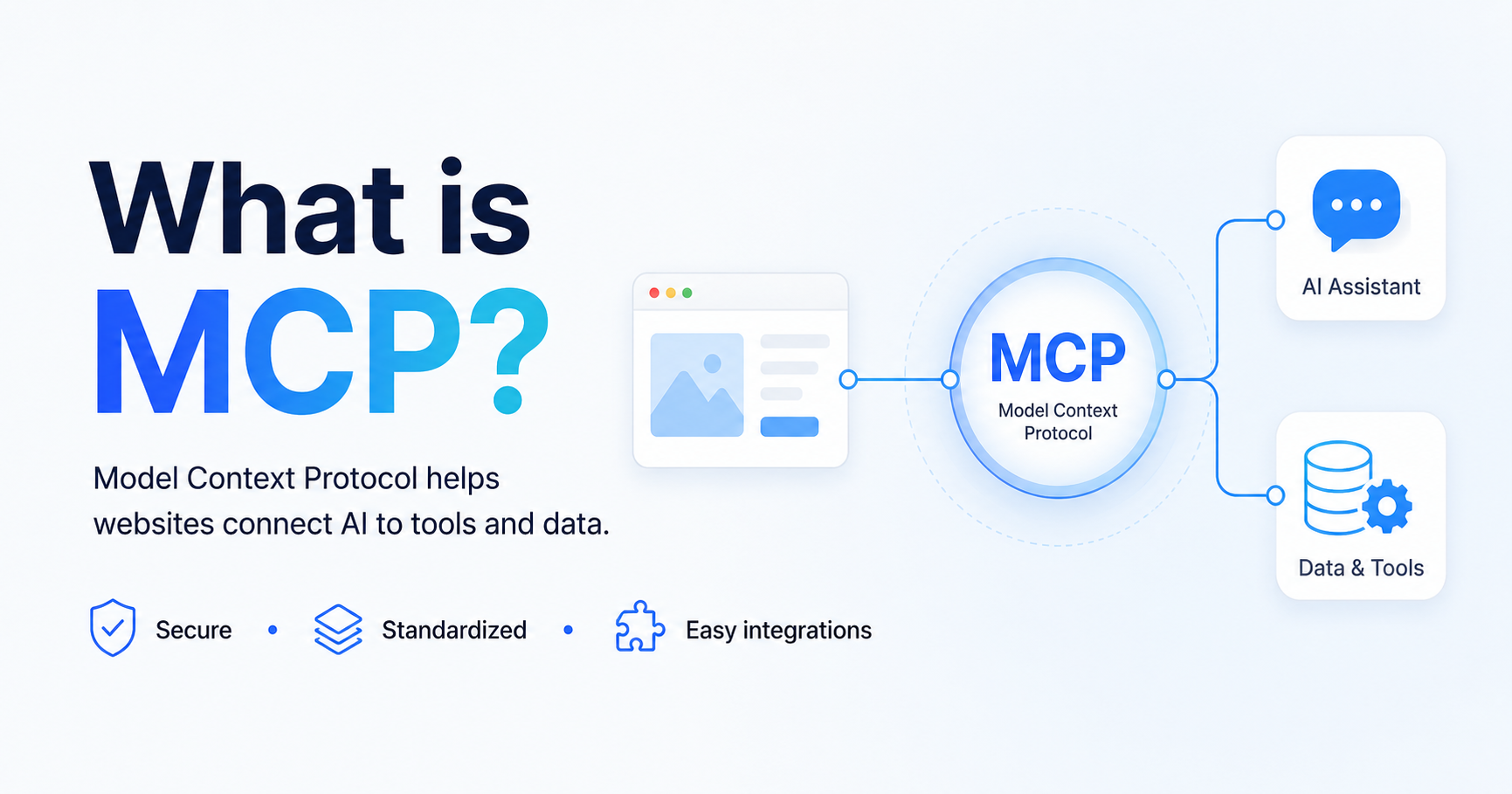
Connecting a Large Language Model (LLM) to internal tools sounds simple until you look at the details: credentials, auditability, data leakage risk, and the long tail of one-off integrations your team needs to maintain. For many company owners, this quickly turns into a costly engineering distraction or a security conversation you would rather not have.
Model Context Protocol (MCP), introduced by Anthropic in late 2024, is an open standard designed to make those integrations more consistent. Instead of every vendor and every team inventing a bespoke connector, MCP defines how an LLM application can securely reach external data sources and tools through a structured client-server model.
Personal insight: If you are running a company, the hardest part is rarely “can we do it?” It is “can we do it safely, repeatedly, and without turning our best developer into a full-time integration maintainer?” Standards like MCP matter because they reduce that hidden tax.
Table of contents
- Solving the LLM data bottleneck
- What is the Model Context Protocol (MCP)?
- The core components of MCP architecture
- How the MCP client-server model supports data security
- Transport layers: why MCP uses JSON-RPC (and where HTTP fits)
- MCP vs. traditional APIs (REST/GraphQL): what changes
- Business use cases: why MCP matters in real companies
- An implementation checklist for decision-makers
- Frequently asked questions (FAQ)
Solving the LLM data bottleneck
LLMs are valuable when they have the right context: the latest policies, product specs, customer history, project tickets, or documentation. Without access to that context, you get generic answers. With uncontrolled access, you get risk.
MCP addresses a practical bottleneck: businesses want LLMs to use internal context, but they also need clear boundaries around what the model can access, how it accesses it, and how you can govern that access over time.
- For business owners: MCP can reduce integration churn and speed up safe experimentation.
- For technical leaders: MCP offers a consistent way to connect tools and data sources without rewriting custom glue for each LLM app.
- For compliance and security: MCP makes the integration surface more explicit, which supports review and control.
What is the Model Context Protocol (MCP)?
Model Context Protocol (MCP) is an open standard for structured communication between an LLM application and external resources such as tools, files, and data systems. It defines how an LLM environment can request capabilities and context from external services in a predictable way.
In MCP terms, an LLM “host” application can create “clients” that connect to “servers” exposing specific functionality. The server is the boundary where you decide what is available and how it is exposed.
When people call MCP “a standard way to connect LLMs to data,” what they usually mean is: it is an integration contract that is designed around the realities of AI assistants using tools, not just calling an API endpoint.
The core components of MCP architecture
MCP architecture is easiest to understand as three building blocks with clear responsibilities.
- MCP Host: The application that uses the LLM and orchestrates tool usage. It decides when to reach out to external capabilities. Example: an internal assistant used by your team, or a desktop LLM app.
- MCP Client: A connector spawned/managed by the host. The client handles protocol communication with a specific server. Think of it as the “wire-level” participant that speaks MCP on behalf of the host.
- MCP Server: A service that exposes tools, data access, or actions through MCP. The server is typically where you enforce what is allowed: what data can be read, what actions can be performed, and under what credentials.
Personal insight: Owners often ask, “Do we really need another architectural layer?” In practice, a standard layer is what keeps you from building five different one-off connectors that behave differently, break differently, and get approved differently.
What MCP servers commonly connect to
In real workflows, MCP servers may act as gateways to systems your company already relies on, for example:
- Collaboration tools (e.g., Slack-like messaging systems)
- Ticketing or project systems (e.g., Jira-like work tracking)
- Code and documentation sources (e.g., GitHub-like repositories, internal wikis)
- Local or internal databases (e.g., a local SQLite file, an internal PostgreSQL instance)
- File systems and shared drives
The key is not the brand. The key is the boundary: you expose only what the model needs, in a controlled way.
How the MCP client-server model supports data security
MCP is frequently discussed in the context of “secure tool use.” Security is never guaranteed by a protocol alone, but MCP’s architecture pushes you toward safer patterns than ad-hoc integrations.
1:1 connections and reduced cross-talk risk
A common architectural principle in MCP discussions is the idea of a direct, dedicated relationship between a client and a server. In practice, this helps teams reason about:
- Isolation: clearer separation of what each server can access
- Auditing: a narrower surface to log, review, and alert on
- Least privilege: per-server permissions rather than “one token to rule them all”
- Data minimization: whether the server returns only what is necessary for a given task
- Logging: what is recorded (requests, responses, tool actions) and where logs are stored
- Secrets handling: where credentials live (ideally not inside prompts, not inside client code)
- Failure modes: what happens when the server is unavailable or returns partial data
For many businesses in Europe, the practical goal is simple: keep sensitive data inside your controlled systems, and make access explicit enough that security review is possible.
Transport layers: why MCP uses JSON-RPC (and where HTTP fits)
MCP is commonly associated with JSON-RPC as the message format for requests and responses. JSON-RPC provides a structured way to represent method calls, parameters, and results, which maps well to “tool invocation” patterns.
It is useful to separate two concepts:
- Message format: JSON-RPC describes how calls are structured, including methods, parameters, results, and errors.
MCP vs. traditional APIs (REST/GraphQL): what changes
MCP does not replace every traditional API. Instead, it gives LLM applications a more consistent way to discover and use tools and context. REST and GraphQL are usually designed for application-to-application data exchange. MCP is designed around AI-assisted workflows where a model may need to inspect available tools, request context, and perform actions through a controlled interface.
For business teams, the practical difference is that MCP can reduce the amount of custom integration logic needed for each new assistant or tool connection.
Business use cases: why MCP matters in real companies
MCP can be useful wherever an AI assistant needs controlled access to company systems. Examples include searching internal documentation, summarizing project tickets, retrieving customer context, checking product information, or helping employees complete repetitive operational tasks.
The value is not only automation. The value is also consistency: the same kind of access pattern can be reviewed, secured, logged, and reused across different workflows.
An implementation checklist for decision-makers
- Define which systems the assistant should access.
- Decide what data should never be exposed.
- Use least-privilege credentials for every server.
- Log tool calls and important responses.
- Review how secrets are stored and rotated.
- Test failure modes before production use.
- Start with one narrow workflow before expanding.
Frequently asked questions (FAQ)
Is MCP an API?
MCP is better understood as a protocol for connecting LLM applications to external tools and context. It can work alongside APIs, but it is designed specifically for AI tool-use patterns.
Does MCP automatically make integrations secure?
No. MCP can support safer architecture, but security still depends on implementation choices such as permissions, authentication, logging, data minimization, and review.
Who should care about MCP?
Business owners, technical leaders, and compliance teams should care about MCP if they are exploring AI assistants that need access to internal data or operational tools.